mplunitx.sisetup
- class sisetup(declare_unit=None, inter_unit_product='\\\\,', per_mode='power', per_symbol='/', bracket_unit_denominator=True, per_symbol_script_correction='\\\\!', sticky_per=False, parse_units=True, unit_font_command='\\\\mathrm', quantity_product='\\\\,', label_unit_mode='/')
Bases:
objectSet up mplunitx with the desired options.
Creating an instance of the sisetup class provides access to the methods num, unit, qty, and label. With the parameters a variety of options can be set to customize the output of the methods.
The set options can be temporarily overwritten in the method calls.
- Parameters:
- declare_unit
python:dict,optional Additional units can be declared using this parameter. The keys are the unit names and the values are the LaTeX representation; e.g.
{"arbitraryunit": r"arb.\,u."}.
- declare_unit
- Other Parameters:
- inter_unit_product
python:str, default=r”\,” Character used to separate units.
- per_mode
python:str, default=”power” Mode for typesetting units with negative power. Must be one of
{"power", "fraction", "symbol", "single-symbol", "power-positive-first"}."power": Units are typeset with positive and negative powers."fraction": Units are typeset as a fraction using\frac."symbol": Units are typeset with a character between positive and negative powers (Default:"/", see per_symbol)."single-symbol": Units are typeset like"symbol"if there is only one unit with negative power. Otherwise powers are used."power-positive-first": Units are typeset like"power"but positive powers are typeset left of negative powers.- per_symbol
python:str, default=”/” Character between positive and negative powers when in
"symbol"or"single-symbol"mode.- bracket_unit_denominatorbool, default=True
If
Trueand in"symbol"mode encloses the units to the right of the symbol in brackets.- per_symbol_script_correction
python:str, default=r”\!” If the character before
per_symbolis a power, the space between the power and the symbol is corrected using the given string.- sticky_perbool, default=False
Not implemented yet.
- parse_unitsbool, default=True
If
Falsethe input string is returned as is.- unit_font_command
python:str, default=r”\mathrm” LaTeX command used to typeset units.
- quantity_product
python:str, default=r”\,” Character used to separate number and unit.
- label_unit_mode
python:str, default=”/” Must be one of
{"/", "[]"}. If"/"the variable and unit are separated by a forward slash when using the label method. If"[]"the unit is enclosed in square brackets.
- inter_unit_product
Examples
Import the module and create an instance of the sisetup class:
>>> from mplunitx import sisetup
>>> si = sisetup()
Use the label method to typeset a label:
>>> si.label("Energy", "mega.eV")
'Energy$\;/\;\mathrm{MeV}$'
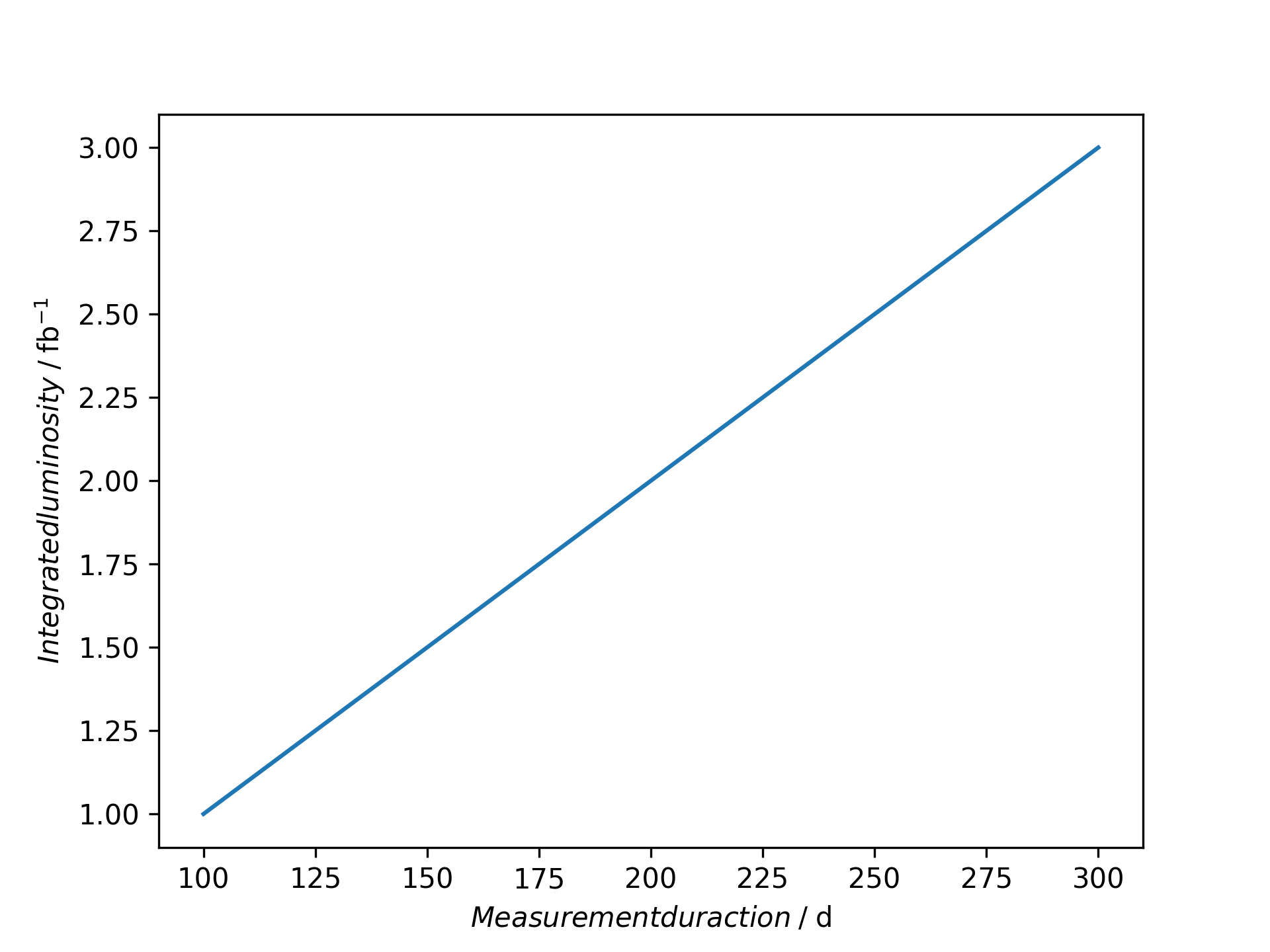
And use it to label a matplotlib plot:
>>> import matplotlib.pyplot as plt
>>> plt.plot([100, 200, 300], [1, 2, 3])
>>> plt.xlabel(si.label("Measurement duraction", "day"))
>>> plt.ylabel(si.label("Integrated luminosity", "per.femto.barn"))
- Attributes:
- declare_unit
python:dict Dictionary that stores units declared by the user.
- unit_kw
mplunitx.unit._unit_kw Instance of mplunitx.unit._unit_kw containing the unit formatting options.
- declare_unit
Methods
num(number)- rtype:
str
unit(unit, **unit_kw)Returns the LaTeX code for the given unit.
qty(number, unit[, unit_kw])- rtype:
str
label(var, unit[, var_font_command])- rtype:
str